A restaurant POS rollout starts with the handovers
Plan a restaurant POS rollout around table orders, kitchen queues, payment checks and staff rehearsals, with a practical Funa demonstration.
 Altsoft Editorial TeamBusiness systems & implementation
A restaurant POS rollout is not only a cashier project. It changes how reception, service staff, kitchen teams and managers exchange information. If those handovers are not defined, a technically successful installation can still leave people relying on shouted updates and duplicated orders.
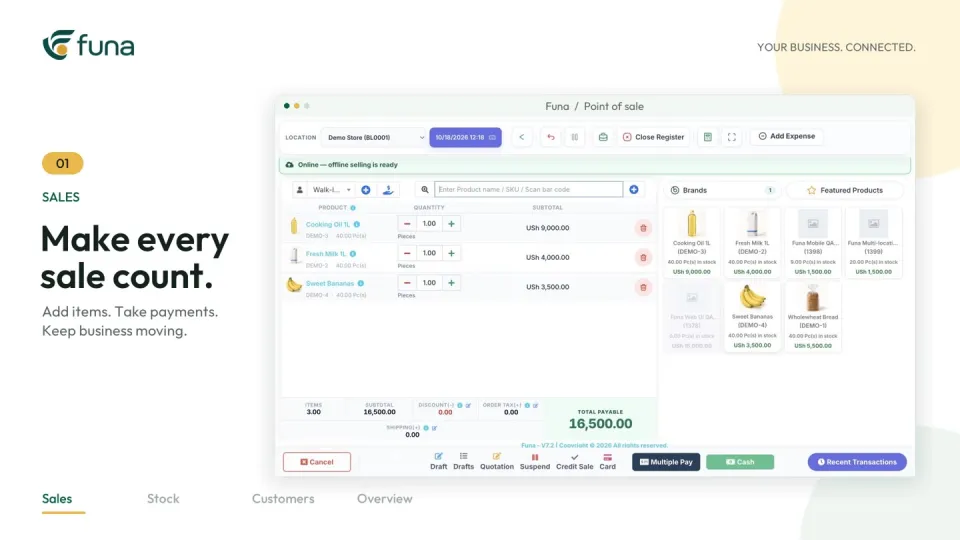
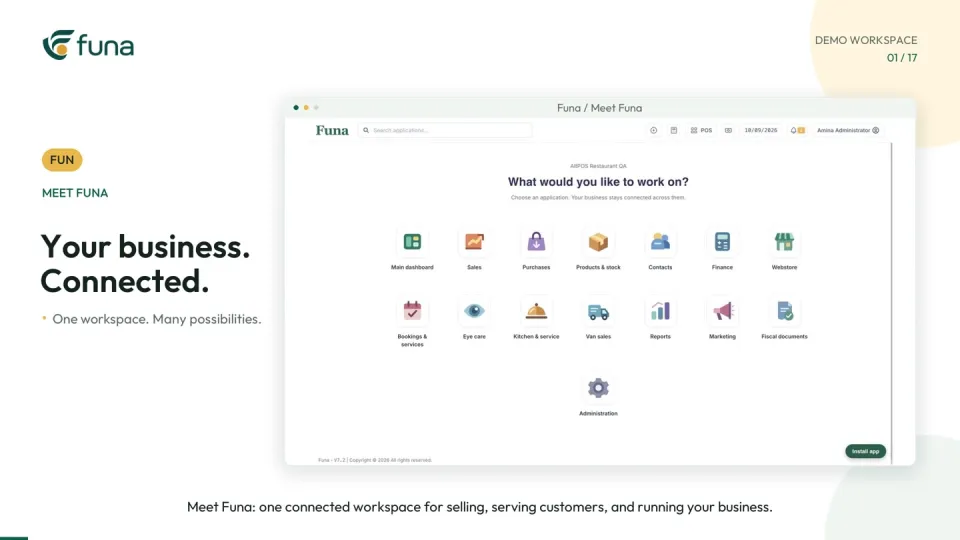
Before migrating the menu or setting up devices, describe how one table should move from its first order to a checked receipt. The Funa restaurant demonstration linked with this guide provides a concrete workflow to discuss with your team.
Map the service journey with staff
Include someone from the floor, kitchen, bar and checkout. Agree what identifies a table or tab, how another round is recorded, where preparation notes belong and how ready items are communicated. Write down who owns each status change.
Do not assume that a familiar word means the same thing to everyone. “Closed,” “served” and “paid” can describe different events. Use definitions the whole team can explain, then check whether the proposed system represents them clearly.
Prepare the menu as operational data
Review item names, prices, categories and preparation destinations. Remove confusing duplicates and confirm which items go to the kitchen or bar. Choose a small set of representative items for testing before importing the full menu.
Pay attention to additions and changes. Ask how a later round remains connected to the original table and how an authorised correction is distinguished from a new order. Test an unavailable item rather than only the easiest possible transaction.
Check the equipment in its real setting
List the devices, network connections and receipt equipment the team intends to use. Test the actual printer and configured layout. A demonstration on a supplier's laptop does not establish that the restaurant's equipment will behave identically.
Discuss what staff should do during a connection or device problem. Confirm the supported recovery process and how any work recorded elsewhere will be reconciled. Do not assume offline behaviour unless it has been demonstrated for the exact workflow and setup.
Rehearse a complete table
- Open a fictional table and enter food and drinks.
- Add another round and an item-specific preparation note.
- Confirm the correct preparation destinations.
- Move the work through its agreed service statuses.
- Review all rounds at checkout and record the payment.
- Inspect the receipt and the end-of-service review.
Repeat the exercise using the roles intended for real staff. An administrator may see controls that a waiter or cashier cannot access. Ask each person to explain what they will do next without prompting from the implementation team.
Define acceptance beyond “the screen works”
Write down observable checks: a preparation note reaches the right station, another round stays on the intended bill, an unresolved payment remains visible and the receipt matches the reviewed transaction. Include at least one correction and one interrupted handover.
Keep a short issue log with an owner and a retest result. Distinguish a configuration problem from a training gap or a requirement the system does not support. That makes the decision to proceed easier to explain.
Choose a manageable first service
Begin with a controlled scope and staff who have rehearsed the workflow. Keep support responsibilities clear during the first live service. Afterwards, review open tables, unresolved bills and unexpected workarounds before adding more complexity.
The Funa video uses fictional data and illustrative prices. Its features depend on plan and configuration; it is an example to evaluate, not a blanket promise about every restaurant. Altsoft can help turn your service process into a testable implementation plan, with the people and handovers treated as part of the system.
Continue the series
Prepare pharmacy inventory data before a system move
For the product-focused walkthrough, read From table to receipt: a clearer restaurant handover.
Put these ideas to work.
Talk through your workflow with an Altsoft specialist and decide on your next step.