Choose business software with a workflow test
Test business software against a real working day. Define records, handovers, exceptions and ownership before deciding what to implement.
 Altsoft Editorial TeamBusiness systems & implementation
Software demonstrations are easy to fill with features and difficult to compare. One supplier shows a dashboard, another shows a mobile app, and a third lists integrations. The missing question is often whether the system can carry your actual work from one person to the next.
A workflow test gives the discussion a common reference. Instead of asking every supplier to show everything, ask them to follow one representative transaction through its complete journey. This guide explains how to prepare that test and use the result to make a more grounded implementation decision.
Define the result before choosing screens
Write a short description of the work you want to improve. For example: a customer buys an item, the payment is recorded, the available quantity changes and the owner can review the transaction at closing. Include any follow-up that makes the work genuinely complete.
Avoid a goal such as “have a modern dashboard.” It does not tell you which information should be present or whether someone can act on it. A better outcome names a record, a responsible person and a decision the record should support.
Map the handovers and the source records
List who enters each piece of information and who uses it next. Identify where the authoritative product, customer, stock and payment records will live. If two systems must exchange information, define which one owns each field and how a disagreement will be noticed.
Do not treat an integration logo as evidence that your particular workflow is supported. Ask what is transferred, in which direction, when it happens and how failures are handled. Those questions are more useful than the number of integrations on a slide.
Prepare a small, safe test pack
Use fictional customers and representative products. Include enough detail to test quantities, pricing, payment status and location access without exposing real customer information. Record the expected outcome before the demonstration so it cannot be changed simply to fit what the software shows.
- One ordinary transaction that should complete successfully.
- One correction with an explanation and a responsible approver.
- One incomplete item that must remain visible for follow-up.
- One end-of-day view that connects back to the original records.
Have the people who will use the process help prepare these examples. Their practical questions often reveal requirements that a purchasing checklist misses.
Watch the next person's experience
A demonstration should not stop when an administrator clicks Save. Ask what the cashier, stock controller or manager sees afterwards. Can they find the record? Is its status understandable? Do their permissions allow the required next action without giving them unnecessary access?
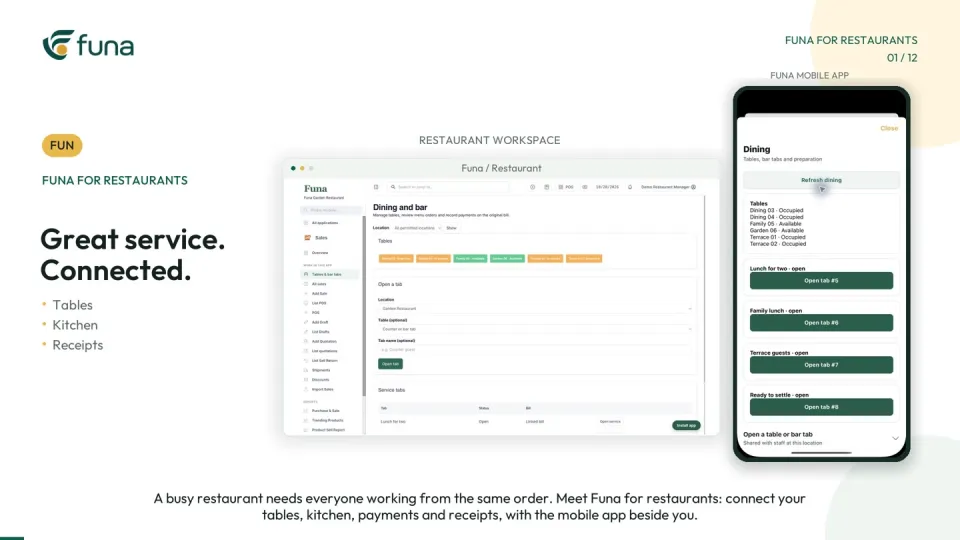
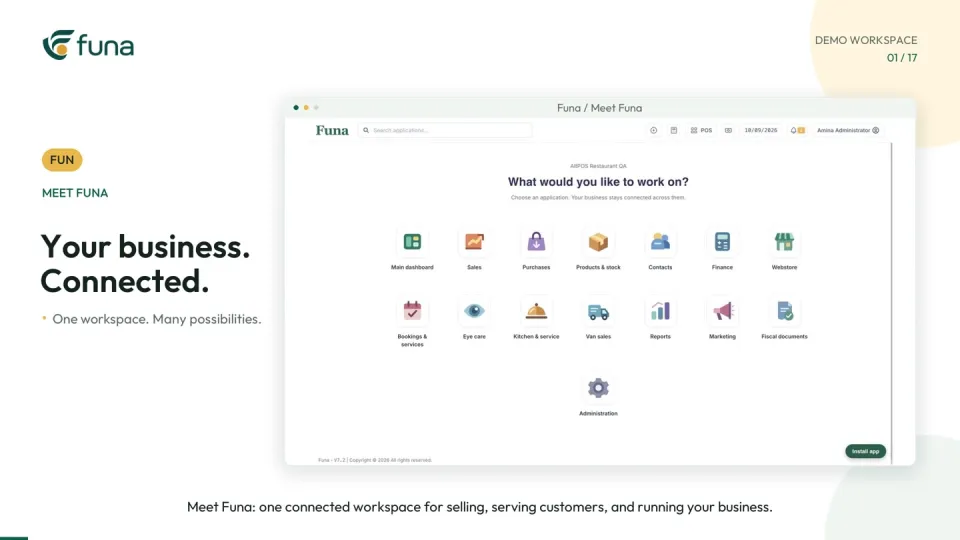
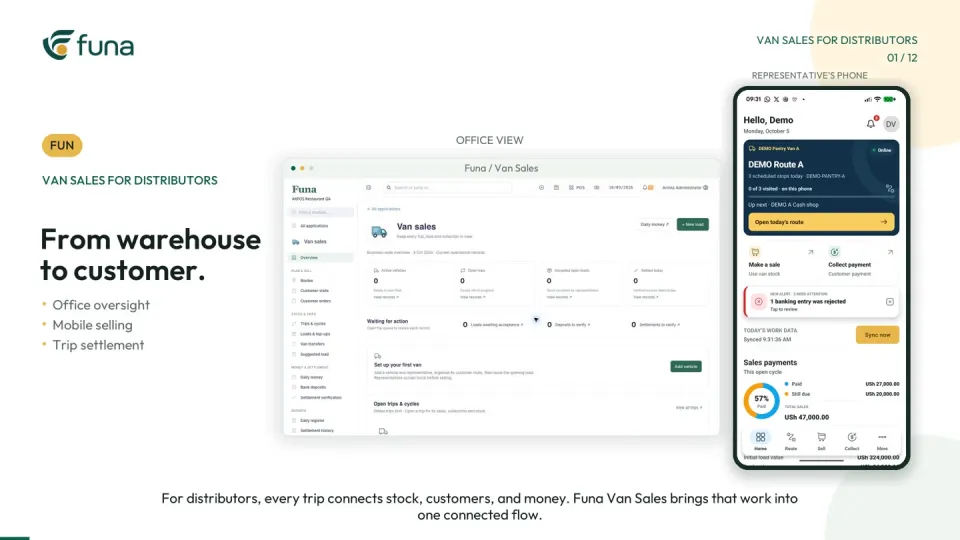
The accompanying Funa introduction is a compact example of a connected business workspace. It is a starting point for discussion, not evidence that every module or integration suits every organisation. Confirm the selected plan and configuration against your own test pack.
Turn findings into implementation decisions
Record each result as supported, requires configuration, requires additional work or not established. Assign ownership for open questions. Separate a demonstrated capability from a proposed future change, and include the effort needed to prepare data and train staff.
Consider how the business will operate if the new workflow is unavailable or an import fails. Agree a practical fallback and a way to reconcile work afterwards. That discussion belongs before the switch, not during the first busy day.
Start with a controlled first release
Choose a bounded first workflow, a responsible owner and a short list of acceptance checks. Rehearse with the intended users, review the records together and expand only when the first phase can be explained confidently.
Altsoft helps businesses scope and implement software around their daily work. If you are preparing a system change, bring a process description and a sample transaction. A clear test of the work is a better foundation than a feature list that nobody knows how to verify.
Continue the series
A restaurant POS rollout starts with the handovers
For the product-focused walkthrough, read A connected business starts with one clear workflow.
Put these ideas to work.
Talk through your workflow with an Altsoft specialist and decide on your next step.