A phased rollout plan for connected business software
Plan a business software rollout with measurable acceptance checks, clear permissions, dependable opening data and a controlled first release.
 Altsoft Editorial TeamBusiness systems & implementation
Connected business software often offers more capability than a team can sensibly adopt in one release. Switching on many modules at once can make it difficult to tell whether a problem comes from data, permissions, training or an unfinished process.
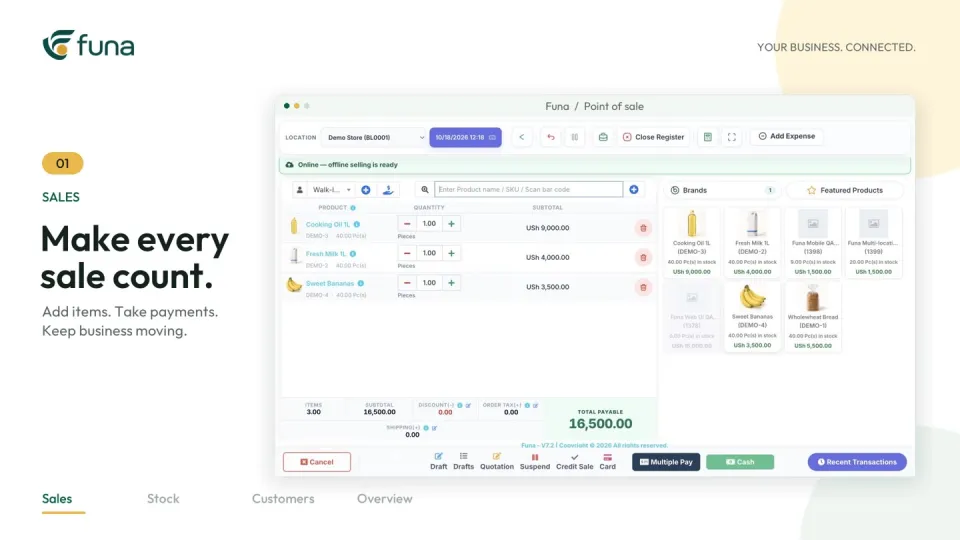
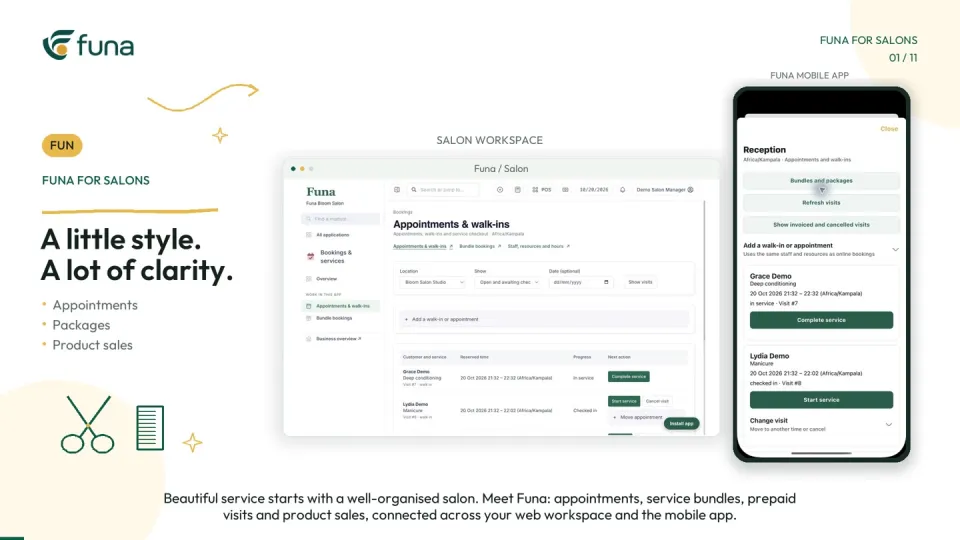
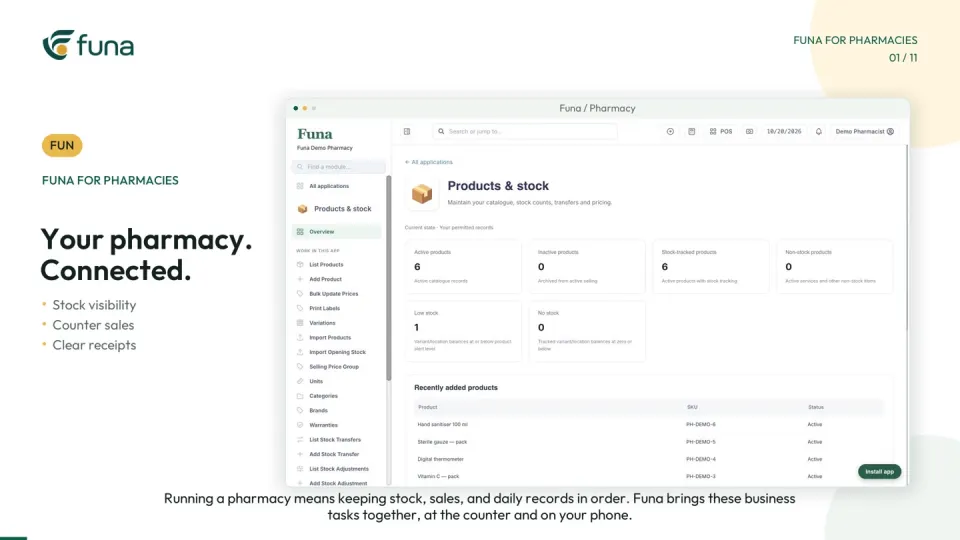
A phased rollout reduces that ambiguity. Each phase should deliver a complete, useful workflow, with clear boundaries and evidence that the team can operate it. The Funa workspace walkthrough linked with this guide shows a range of connected areas; the implementation plan determines which of them should come first.
Choose a thin but complete first phase
A first phase should be narrow in scope, not incomplete in logic. For example, a sale should connect to its payment, stock record and review even if only one location and a limited catalogue are involved.
Choose the workflow using a real operational problem. Define who benefits, what record changes and how the team will judge whether the new process is usable. Avoid measuring progress only by the number of enabled modules.
Map dependencies before setting dates
List the information each workflow relies on. Sales may need an approved catalogue, prices and opening stock. Customer follow-up may need reliable contact records and ownership. Reporting may depend on costs and transactions being recorded consistently.
Identify which records already exist, which need cleaning and which require a decision. Give each dependency an owner. A launch date does not resolve an unanswered question about the meaning of an opening balance.
Make permissions part of acceptance
Translate responsibilities into roles and location access. Test the real staff experience, including what a user cannot do. Broad administrator access can conceal missing permissions and unnecessary visibility.
Include a process for changing access when responsibilities change. Do not build a rollout around shared credentials or informal account handovers. The team should know who owns access decisions and where to request an authorised change.
Use repeatable acceptance scenarios
Write a small set of fictional scenarios and expected outcomes. Reuse them after configuration changes so the team can compare results. Cover an ordinary transaction, an incomplete payment, a correction and a handover between roles.
- The source record is identifiable and complete enough for the task.
- The next role sees the intended status and next action.
- The resulting stock or financial record can be explained.
- An exception remains visible until a responsible person resolves it.
- The end-of-day review connects back to the transactions.
Keep a record of failures and retests. Separate features that were demonstrated from work that remains proposed or unverified.
Prepare support and recovery
Agree who staff should contact during the first live phase and how issues will be prioritised. Define the fallback if the workflow is unavailable, including how records will be brought back together afterwards.
Test the relevant devices, network assumptions and integrations. Specialist accounting, fiscal or practice workflows need their own requirements review; seeing a module in a general demo is not evidence that it meets every local obligation.
Expand only when the first phase is dependable
Review whether users can complete the work without undocumented workarounds, whether opening data remains credible and whether unresolved issues have owners. Ask the person using the reports to explain their limits as well as their useful information.
Then choose a next phase that benefits from the records already maintained. This makes expansion an extension of a working process rather than another disconnected launch.
Funa's demonstrated features depend on the chosen plan and configuration, and the video uses fictional data. Altsoft can help define a phased implementation around your team's work, with practical acceptance checks and clear responsibility from preparation through handover.
Continue the series
Choose business software with a workflow test
For the product-focused walkthrough, read Roll out business software one useful workflow at a time.
Put these ideas to work.
Talk through your workflow with an Altsoft specialist and decide on your next step.