Implement salon bookings around real service rules
Clarify staff availability, service bundles, prepaid credits and checkout before rolling out salon software. A practical guide with a Funa demo.
 Altsoft Editorial TeamBusiness systems & implementation
A salon booking system represents promises: a member of staff will be available, a service will fit the reserved time and a package will mean what the customer was told it means. Those promises need clear rules before they can become dependable software records.
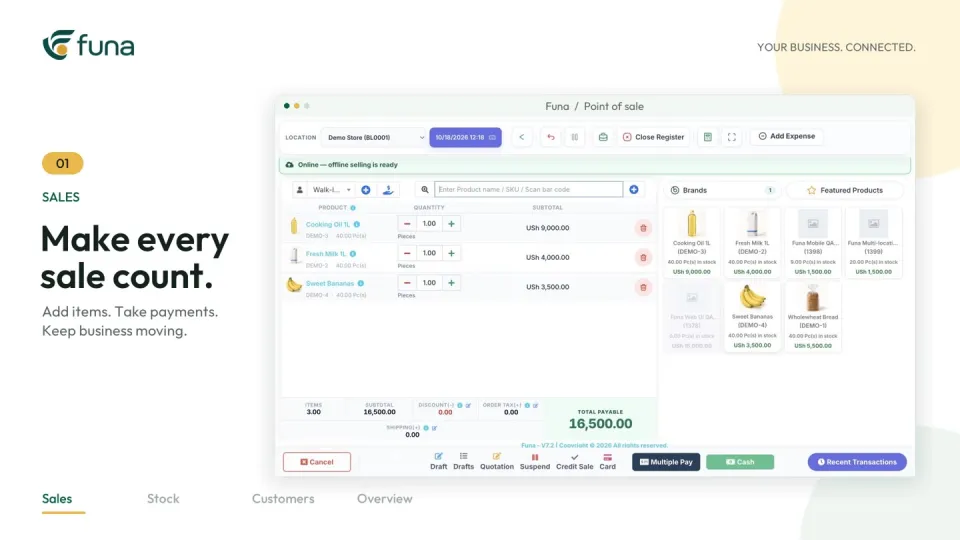
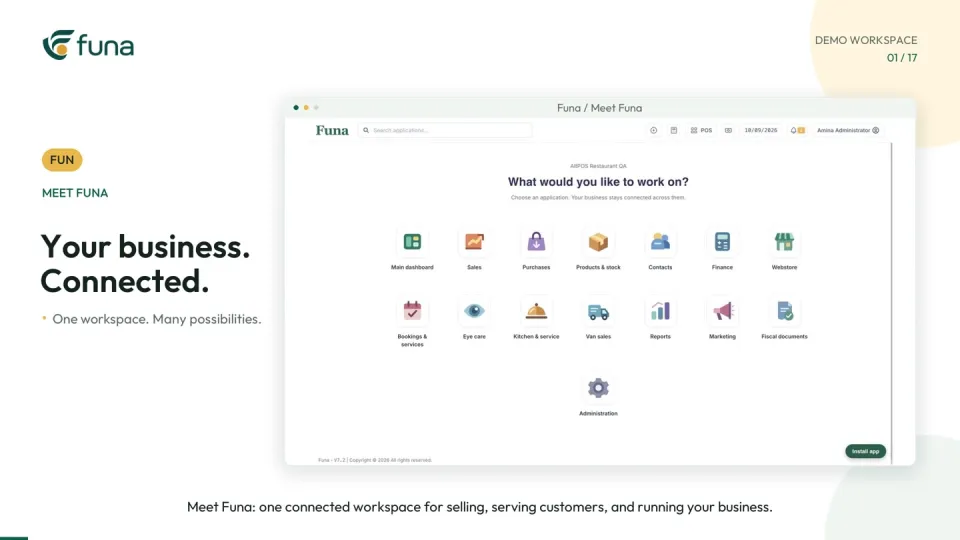
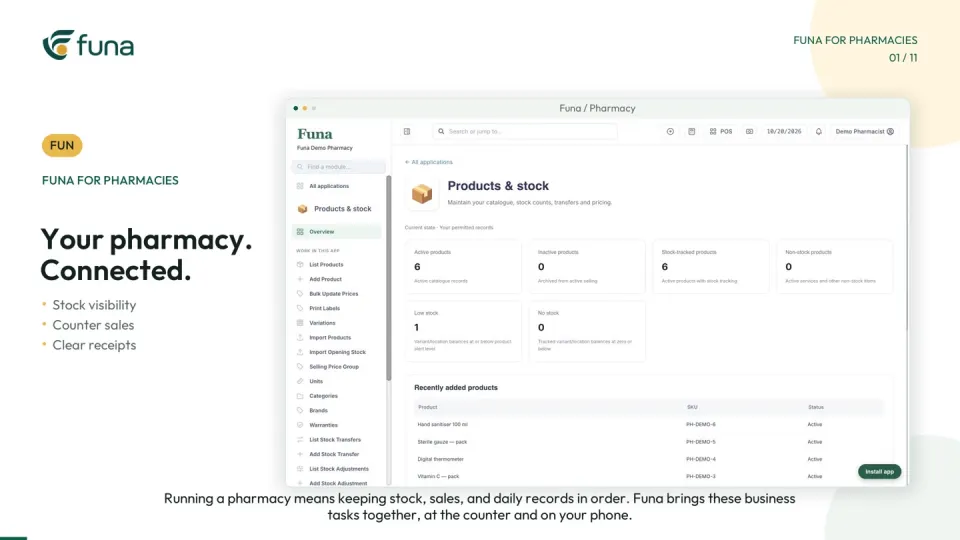
The Funa salon demonstration provides a useful example of appointments, bundles, prepaid visits and product checkout working together. Before selecting or configuring a system, use the following steps to make your own service rules explicit.
Describe services and resource needs
List the services the salon actually delivers, their expected durations and the staff or resources required. Confirm how working hours and unavailable time are maintained. Include reception in the discussion: the person taking the booking needs rules they can apply confidently.
Choose representative test visits rather than loading every service immediately. Include a straightforward appointment, a walk-in and a visit that needs more than one service or resource.
Define the meaning of each status
Agree what booked, in service, completed and ready for checkout mean in your process. Name the person responsible for moving the record forward. Do not let service completion silently imply that payment has been received.
Test the handover from the service team to reception. The next person should be able to identify the next action from the record alone. If they still need to ask what happened, the implementation may need a clearer rule or training step.
Distinguish bundles from prepaid credits
A bundle combines services into a coordinated visit. A prepaid package records an entitlement to future visits. They may sound similar in a sales conversation but require different operational checks.
For a bundle, confirm the included services, timing and resources. For a prepaid package, confirm the qualifying services, number of credits, activation, usage conditions and any expiry terms. Review the real commercial terms independently; the fictional package and prices in the Funa video are not a recommended policy or current offer.
Plan opening balances carefully
If existing customers already hold prepaid visits, agree how those balances will be established. Use an approved source record, identify unresolved disputes and define the changeover date. Do not recreate uncertain balances from memory and present them as verified.
Test one opening package with a known history and confirm what reception can see before and after a redemption. Keep the migration explanation available so staff can answer questions consistently.
Rehearse checkout as a separate step
Include a product purchase alongside the service scenarios. Check product prices, stock records, payment entry and receipt details. Test the actual printing equipment and settings you intend to use.
- Can reception find the correct appointment or customer?
- Is service completion distinct from payment status?
- Does a package redemption use the intended entitlement?
- Are unavailable times or resources handled clearly?
- Can the team identify who resolves an exception?
Use fictional clients throughout testing and training. Avoid real private customer histories in shared demonstrations or screenshots.
Launch with rules the team can explain
Start with a manageable service set and staff who have rehearsed the complete visit. Review the first bookings and redemptions together, especially any workarounds reception creates outside the system.
Funa's modules and mobile workflows depend on the selected plan and configuration. Treat the demo as a practical example to evaluate. Altsoft can help turn your salon's booking and package rules into an implementation plan with clear acceptance checks, dependable opening data and a handover the team can maintain.
Continue the series
A phased rollout plan for connected business software
For the product-focused walkthrough, read Keep salon appointments, packages and checkout connected.
Put these ideas to work.
Talk through your workflow with an Altsoft specialist and decide on your next step.