Hotelbeds API integration: from hotel content to confirmed bookings
A practical implementation brief for travel sellers considering Hotelbeds: what to prepare, what to test and what a supplier connection does not solve.
 Altsoft Editorial TeamTravel platforms & systems integration
Hotelbeds API integration is a project to connect a travel platform with contracted accommodation inventory and booking operations. It is not simply a key pasted into an admin screen. The customer-facing flow, content mapping, rate handling and support process must work together.
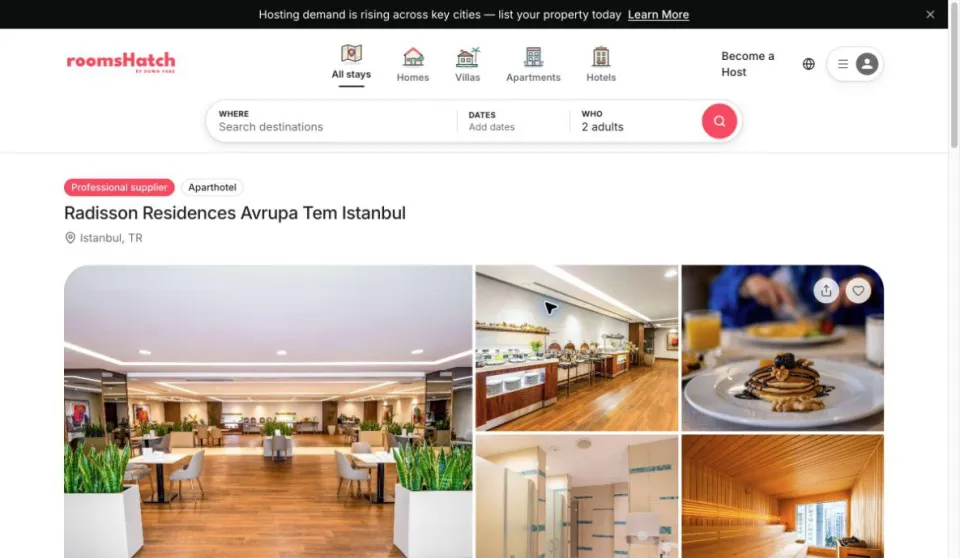
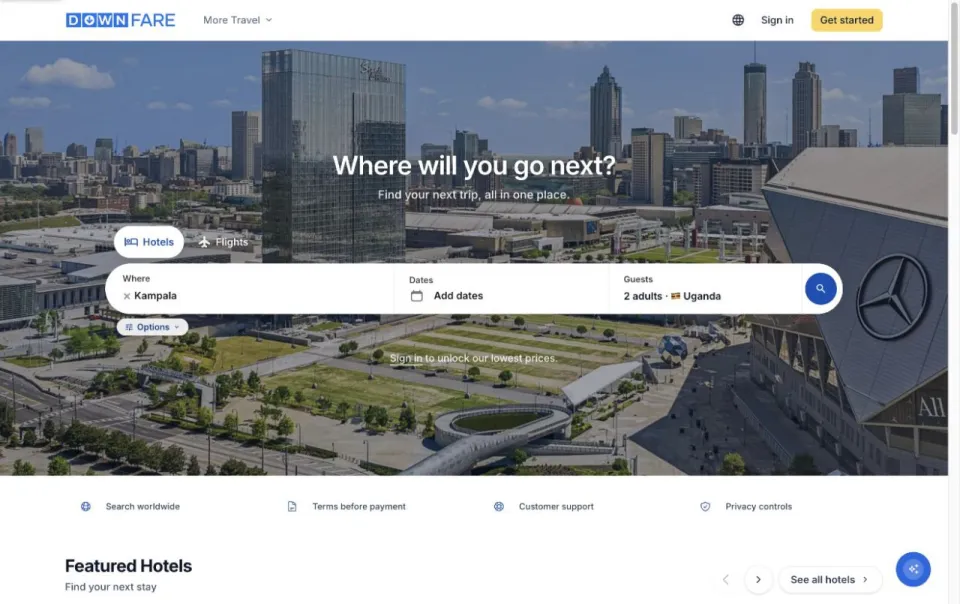
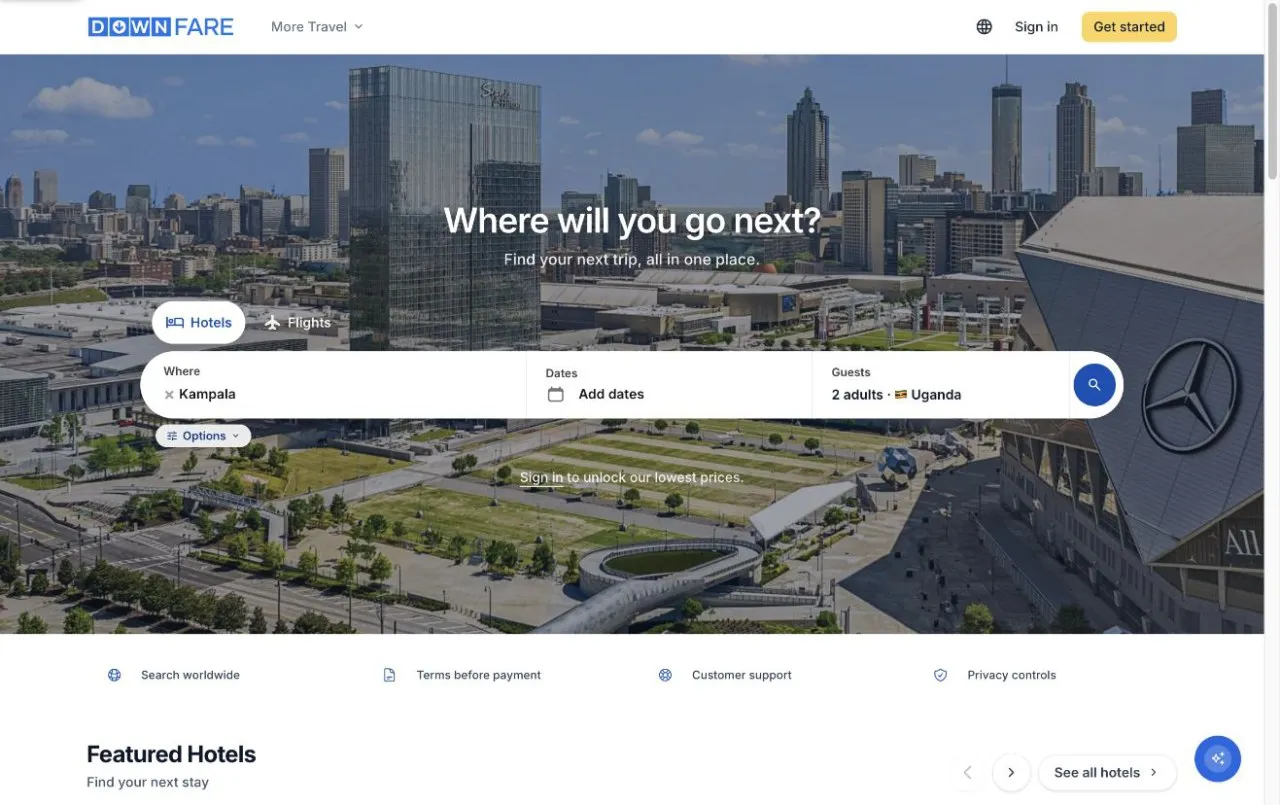
This guide is an implementation brief for businesses considering Hotelbeds within a wider booking ecosystem. Supplier eligibility and production access must be confirmed with Hotelbeds. DownFare and Roomshatch appear as Altsoft interface examples, not as proof of a specific approved supplier connection.
Confirm the commercial scope first
Before development, identify the contracting business, intended sales channels, launch markets and relevant inventory. Confirm who will handle supplier settlement, customer payments, service issues and operational support. Ask the supplier which onboarding and certification requirements apply to your intended workflow.
Give your developer a clear access-status summary without distributing credentials in general project documents. Record whether you have a test environment, commercial approval and a named contact for launch questions. These are different milestones; one should not be represented as another.
Keep property content separate from bookable rates
Hotelbeds describes its Hotel Booking API as working with the Hotel Content API. Content supplies hotel information such as descriptions and images; the booking workflow handles availability and reservations.
In your own data model, maintain a stable link between the displayed property and its supplier record. Document how property content is refreshed and how unavailable or changed records are handled. Do not treat a cached description or an old screenshot as evidence of a currently bookable offer.
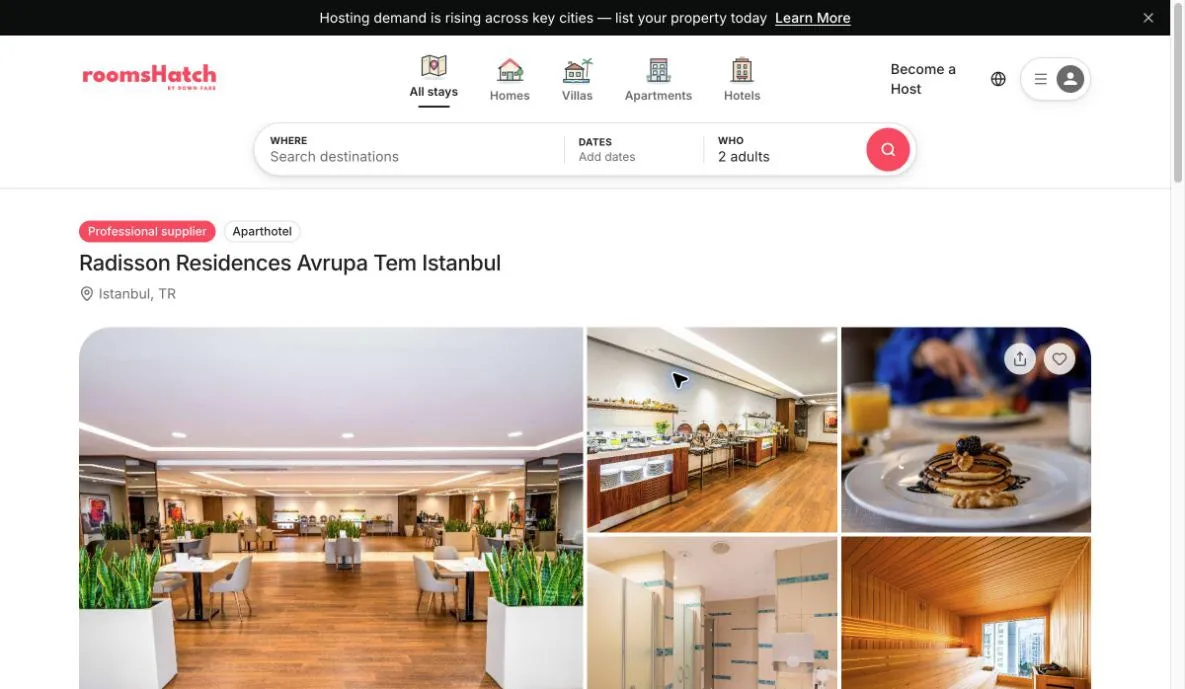
Public Roomshatch property-detail sample, captured on 9 November 2026. It illustrates the presentation layer, not Hotelbeds certification or an inventory entitlement.
Follow the rate's required booking path
The official Hotelbeds workflow distinguishes BOOKABLE and RECHECK rates. A RECHECK rate needs the CheckRate step before booking. Preserve the selected rate reference and carry the supplier's applicable information through the journey.
For the buyer, the important outcome is a clear review step. If the chosen option changes, the website should explain the change and obtain the customer's decision. Display the relevant room, board basis, guest composition, currency and cancellation conditions. Do not silently substitute a superficially similar offer.
Plan for uncertain responses
A network timeout is not a reliable statement about whether a supplier created a booking. Your specification should distinguish a confirmed failure from an unknown result. The support workflow must be able to retrieve or investigate the reservation using the mechanisms supported by the contracted API.
Avoid a generic “try again” button that might create a second reservation. Define a safe recovery procedure, associate customer and supplier references, and explain what the customer sees while the result is being checked. Apply the same care to cancellation and modification requests.
Make certification a planned deliverable
Hotelbeds' certification guidance covers the integration workflow, content, booking information and voucher requirements. Treat the applicable review as part of delivery rather than a final administrative task after the website is announced.
Prepare an evidence pack with the agreed test scenarios, screenshots, customer communications and resolved issues. Record any supplier feedback and retest the affected flow. An internal demonstration is useful, but it is not the same as supplier approval to go live.
Agree acceptance checks with the business team
- The selected property and room remain identifiable throughout checkout.
- Rate changes and cancellation conditions are visible before commitment.
- A confirmed booking has the correct references and customer document.
- Pending or uncertain results appear in an operator queue.
- Cancellation requests and completed cancellations have distinct states.
- Support can trace an issue without revealing credentials or unnecessary traveller data.
Include refresh behaviour, supplier errors and staff permissions in the test plan. Keep a clear owner for ongoing supplier changes after launch; integration maintenance is part of running the platform.
Scope your integration with Altsoft
Share your business model, current supplier-access stage and the booking journey you want to support. We can help define the integration and operational dashboard, using the DownFare and Roomshatch portfolio examples to discuss interface choices. Request a Hotelbeds integration scoping discussion. For the wider product brief, read our hotel booking website guide.
Related resources
Services, project examples and practical guides.
Put these ideas to work.
Talk through your workflow with an Altsoft specialist and decide on your next step.